



Jump to a section
- Cancelling Items and Orders
- How to Cancel an Amazon Order in the Amazon Shopping App
- How to Cancel an Amazon Order on the Website
- Orders that Can’t be Canceled
- FAQs
- Can I cancel part of my Amazon order?
- Can I cancel an Amazon order that has already shipped?
- Will I get a refund if I cancel an Amazon order?
- Will I be charged for canceling an Amazon order?
- How long do refunds take after canceling?
Cancelling Items and Orders
You can cancel most Amazon physical items or orders, which are fulfilled by Amazon or sold and shipped by Amazon directly before they enter the shipping process. Orders sold and shipped by a third-party seller can typically be canceled within one business day.
Once an order is in fulfillment, sellers are required to approve cancellation.
After submitting the cancellation, Amazon will send a confirmation email to the email address related to your Amazon account. You can check the history of your cancelled orders by visiting the Cancelled Orders tab in Your Orders.
How to Cancel an Amazon Order in the Amazon Shopping App
-
Open the Amazon Shopping app on your iOS or Android mobile device.
-
Tap the “Profile” icon on the menu at the bottom of the screen, then select “Your Orders”.
-
Find and select the order you want to cancel, and select “Cancel order” next to the chosen item.
-
To confirm your choice, tap “Cancel checked items” at the bottom of the screen.
Once the cancellation is successful, you will receive an email confirmation from Amazon.
How to Cancel an Amazon Order on the Website
-
Visit the official Amazon website and log in to your Amazon account.
-
Click on “Return & Orders”.
-
Click the option to the right of your ordered item that says “Track package”.
-
On the next page, select “Cancel order” under “Order info”.
A confirmation will show and an email confirmation will be sent to the email address linked to your Amazon account.
Orders that Can’t be Canceled
Buyers have about thirty minutes to cancel their order after it has been placed. If there’s no option to cancel your Amazon order in the app or on the website, your order has likely already entered the shipping process.
If your order is shipped directly from Amazon and can’t be changed, you can attempt a “Request Cancellation” via the app or website for shipped items, refuse the delivery when it arrives, or return the package using Amazon’s Online Return Centre.
If your order has been shipped directly by a third-party seller and can’t be modified, you need to contact the seller.
FAQs
Can I cancel part of my Amazon order?
Yes, Amazon allows you to cancel individual items in your order as long as they haven’t entered the shipping process. Simply uncheck the items you want to keep and leave checked the ones you want to cancel.
Can I cancel an Amazon order that has already shipped?
No, you cannot cancel an Amazon order once it has shipped. However, you can refuse the package upon delivery or initiate a return after receiving it.
Will I get a refund if I cancel an Amazon order?
Yes, if your cancellation is successful, you will receive a full refund. If the item has already been charged and shipped, the refund will be processed once the item is returned.
Will I be charged for canceling an Amazon order?
No. Amazon does not charge cancellation fees.
How long do refunds take after canceling?
Refunds are usually processed within 3-5 business days.
About the Author

Further Reading

Sleep Better Tonight: Top-Rated Mattresses for Every Sleep Style
Your mattress is the single most important piece of furniture in your home. We compared foam, hybrid, and…

Laptops Under $500 Worth Buying: HP, Dell, Lenovo, ASUS, and Acer Ranked
Not all affordable laptops cut corners where it matters. Our editors compared dozens of models to surface the…
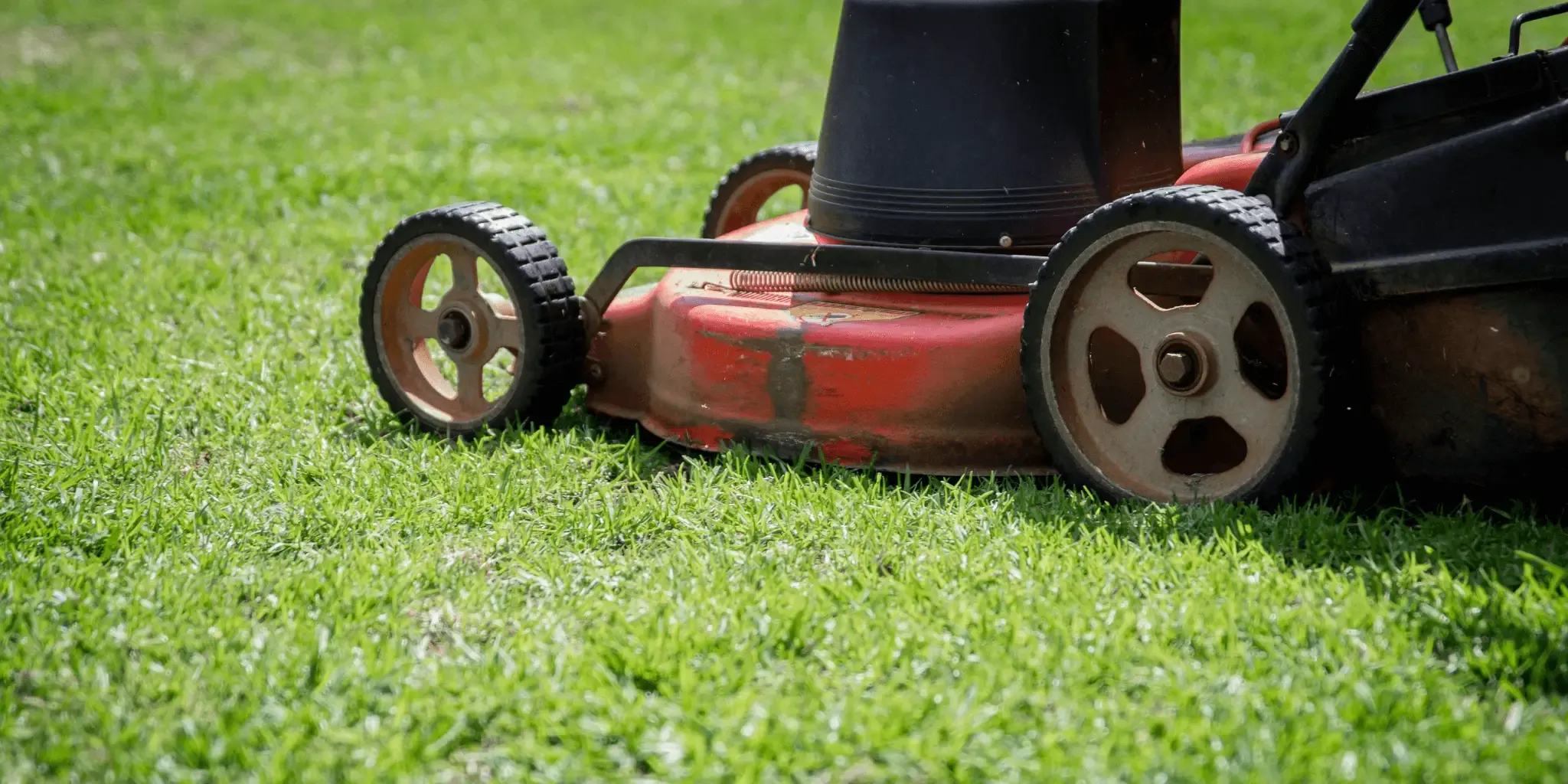
Walk-Behind Lawn Mowers Worth Every Minute in Your Yard
From cordless electric to gas-powered self-propelled models, finding the right lawn mower transforms a tedious chore into a…
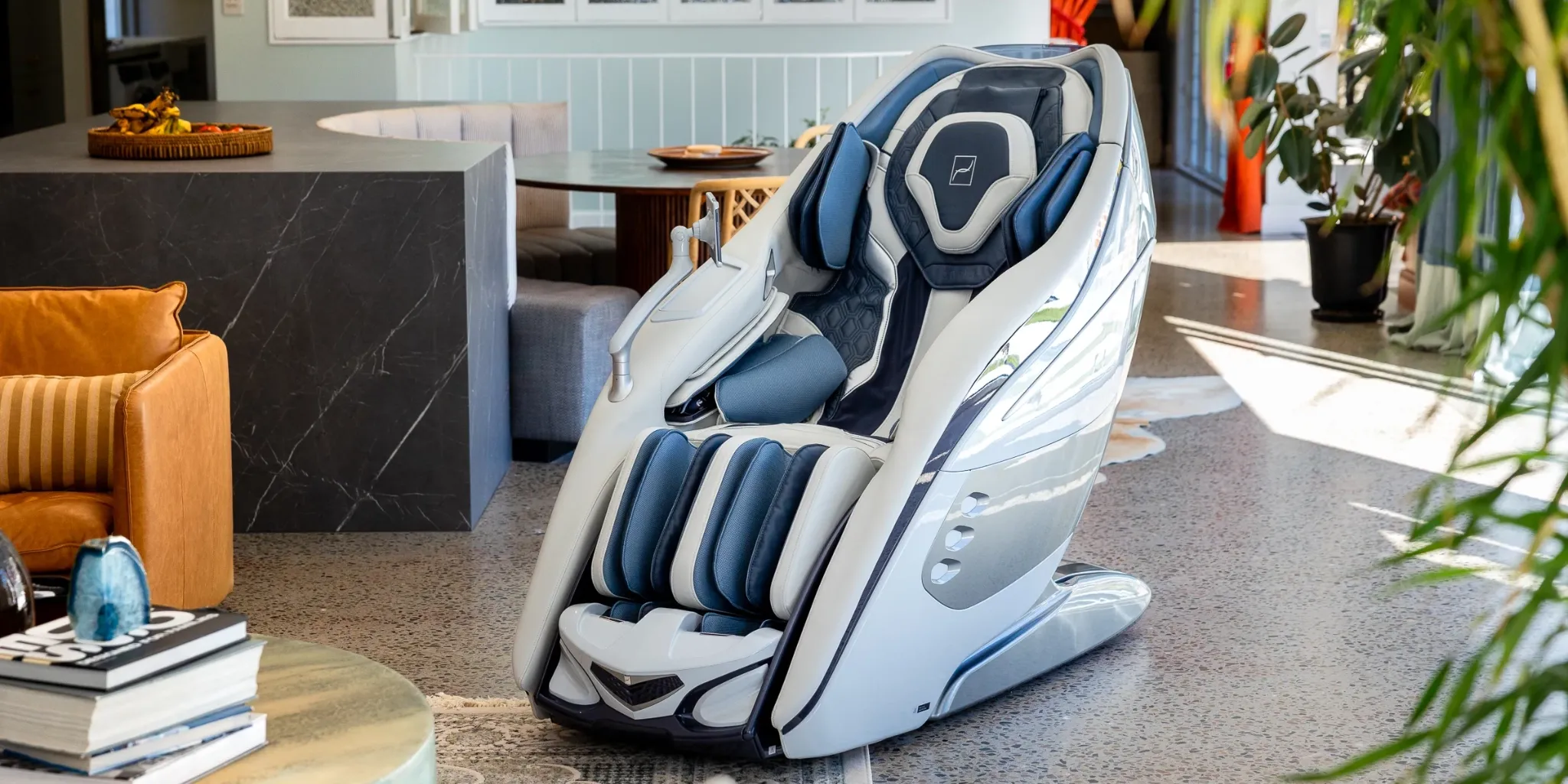
Top Massage Chair Recliners for Full-Body Comfort and Recovery
Sore muscles, back tension, or just a long day deserving a proper wind-down: our independent editors compared the…
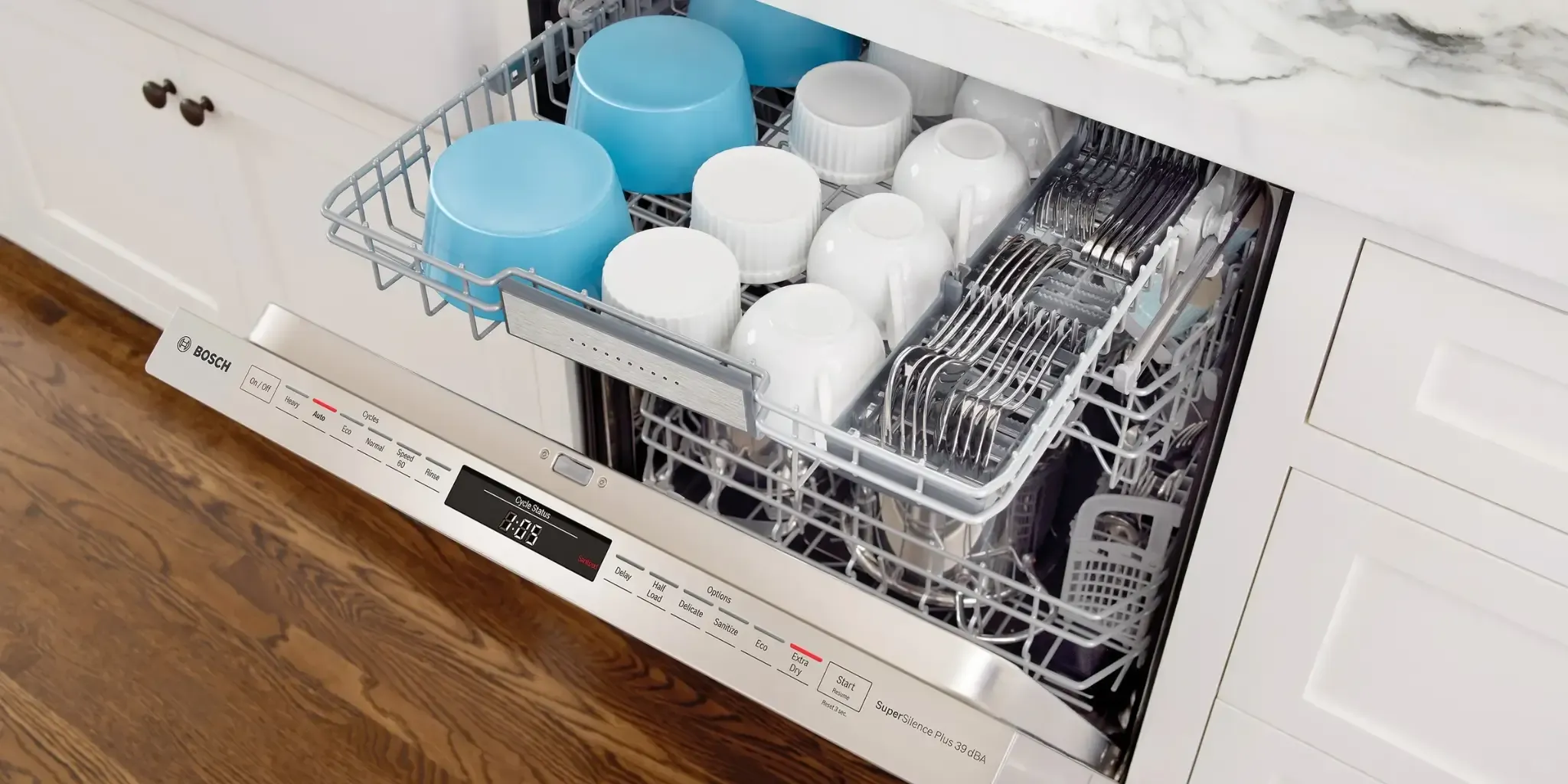
Sparkling Dishes Every Time: Top Dishwashers for Every Home and Budget
From whisper-quiet built-ins to no-hookup countertop units, our editors analyzed the top dishwashers across all sizes and price…
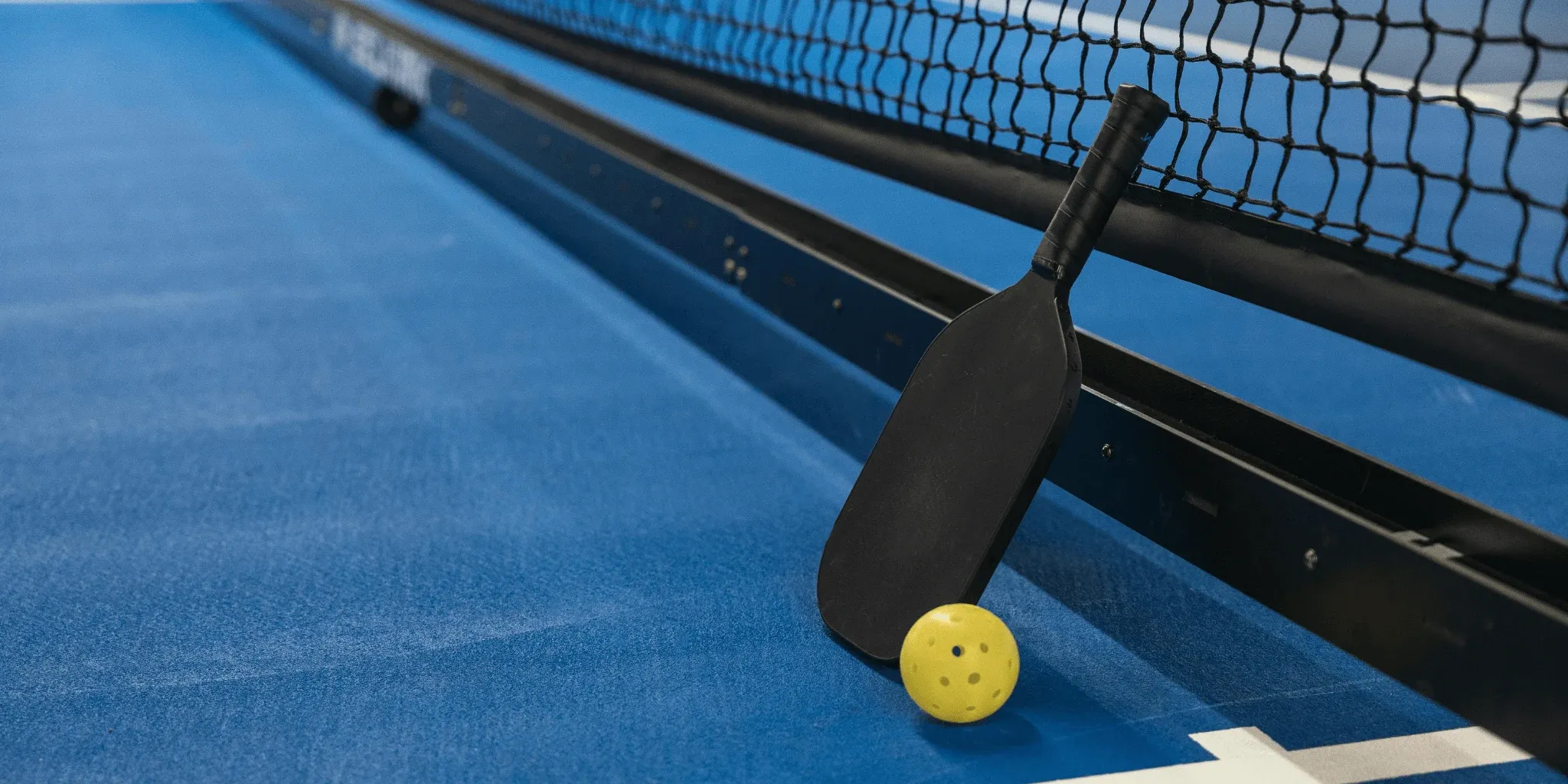
Pickleball Paddles Ranked by Surface, Core, and Playing Style
From beginner sets to pro-grade carbon fiber paddles, here is what actually separates a good pickleball paddle from…
Comments
Be the first to comment. Share your thoughts on this guide to help other readers.