



Jump to a section
How to Change Shipping Address on Amazon Before Placing an Order
You can add, edit, and delete addresses for future orders. You can also select a default address to make it easier to place an order.
-
Go to Your Addresses in Your Account.
Then do one of the following:
-
To add a new dress, select Add address. Enter the new address details. Add your delivery preferences and select Add address.
-
To edit an address, select Edit below the address. Change the address details and select Update address.
-
To delete an address, select Remove below the address. Select Yes to confirm. You can’t delete an address with pending Subscribe and Save orders.
-
To set a default shipping address, select Set as Default below the preferred address.
Please note that updating an address in Your Account won’t change the shipping address on any open orders, or on your Wish List.
How to Change Shipping Address on Amazon After Placing an Order
Already placed your order? You may still be able to change your delivery address if your orders have not yet been dispatched.
-
Go to Your Orders.
-
Click on View or edit order for the order that you want to change
-
Then select Change your Shipping Address.
-
Follow the on-screen instructions.
Note: If you are on a mobile device, you can only cancel the order. You may find more options to change your order by using a desktop computer.
Once an order is shipped, you can no longer change the shipping address through Amazon. However, you still have a few options:
-
Contact the Carrier: If your order is being delivered by UPS, FedEx,etc., you might be able to reroute the package directly through them.
-
Return the Item: Once delivered, you can initiate a return and place a new order with the correct address.
To update the shipping address of an order from a third-party seller, you can contact the third-party seller directly. Here’s our all-in-one guide about How to Contact a Third-Party Seller we’ve made for you!
FAQs
Can I change the shipping address on Amazon after the order is shipped?
No, Amazon does not allow address changes after shipping. Your best options are to contact the shipping carrier (like UPS or FedEx) to attempt a reroute, or if that’s not possible, wait for delivery and then initiate a return to place a new order with the correct address.
Will changing my address delay the order?
Yes, changing your shipping address before the order is processed may delay delivery by a day or two, depending on availability and location.
Can I use multiple shipping addresses in one order?
No, Amazon does not currently support splitting a single order across multiple shipping addresses. You’ll need to place separate orders for each delivery location.
Will changing my default address affect existing orders or my Wish List?
No, updating your default shipping address in “Your Addresses” will only apply to future orders. It will not change the address for any orders already placed or for items saved in your Wish List. You would need to manually update those if necessary.
About the Author

Further Reading
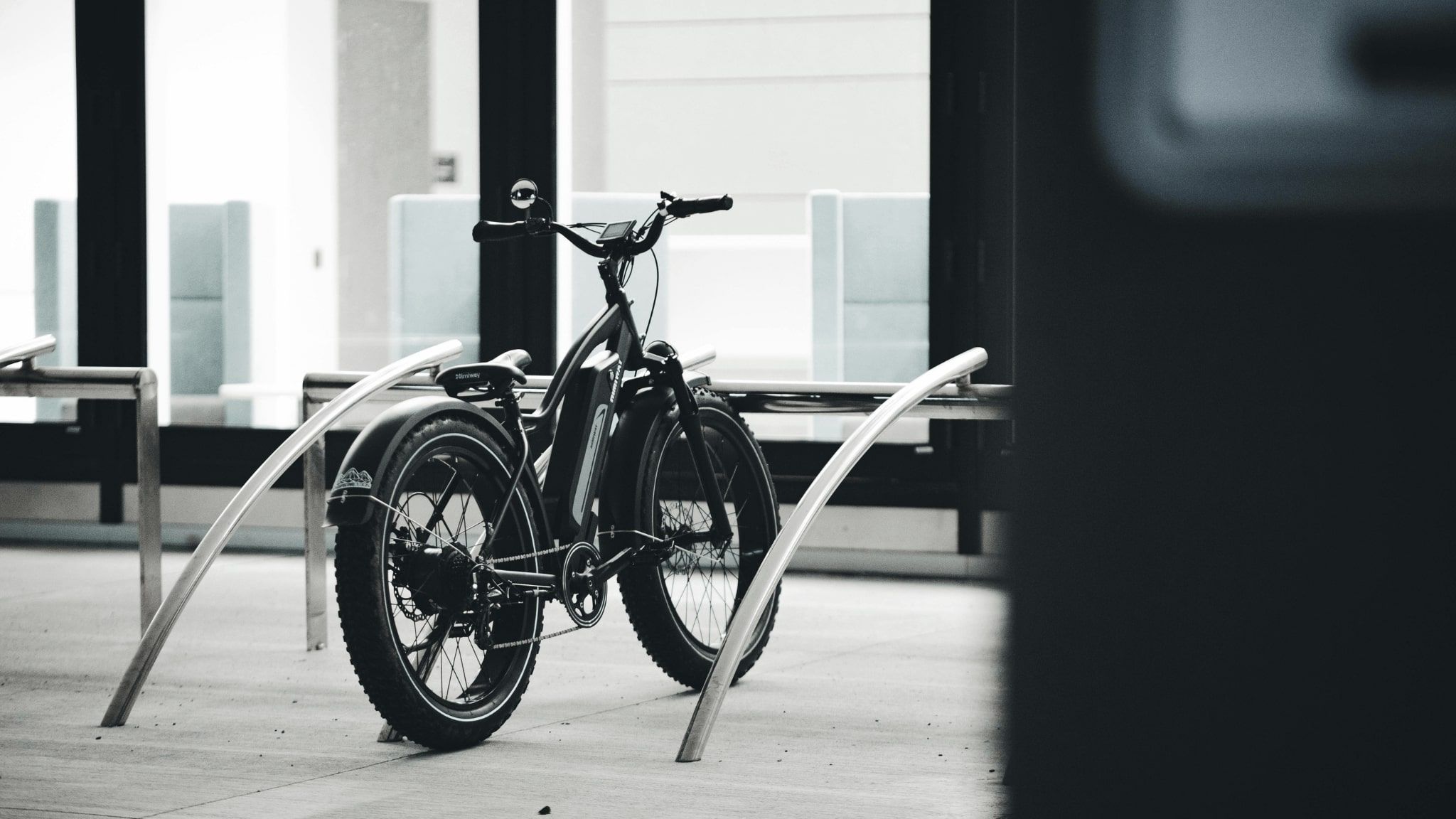
Electric Bikes Worth Riding: Power, Range, and Value Compared
From fat tire off-roaders to sleek city commuters, finding the right e-bike comes down to knowing what specs…

Compact Projectors That Deliver Big-Screen Quality Anywhere You Go
From backyard movie nights to bedroom streaming, portable projectors have never been more capable. Discover which models offer…

Top Home Treadmills Ranked for Power, Space, and Every Fitness Goal
From compact walking pads to commercial-grade marathon machines, we compared motors, cushioning, and real-world usability to help you…
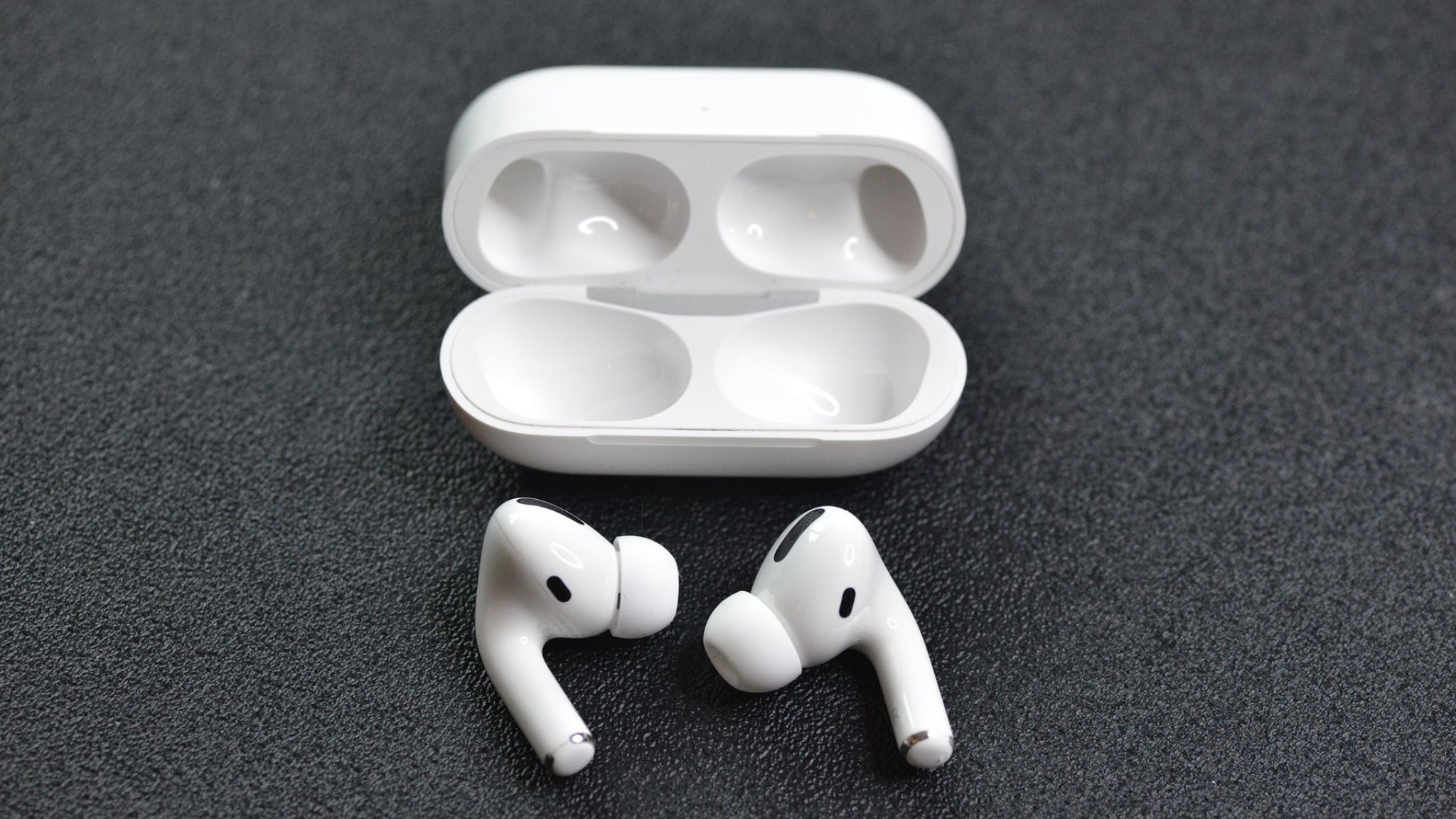
Top Wireless Earbuds Ranked for Sound, Battery Life, and Value
From budget-friendly picks to premium flagships, these wireless earbuds cover every use case. Our editors compared ANC performance,…
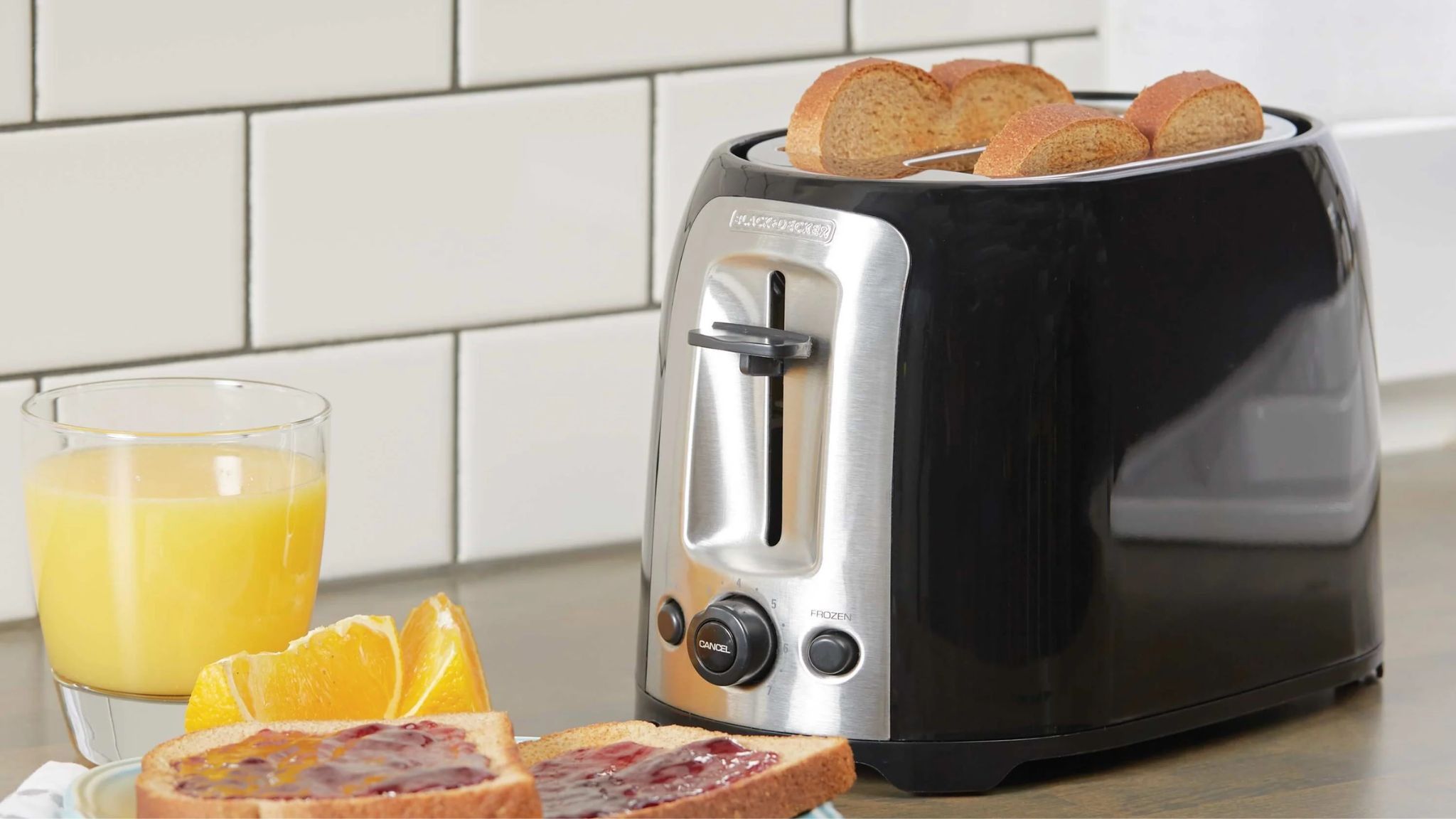
Toasters Worth Buying: Slots, Settings, and Smart Features Compared
From compact two-slice models to feature-packed four-slice options, finding the right toaster comes down to slot size, even…

Patio Sofas Worth Every Penny: Comfort, Style, and Durability Ranked
Upgrading your outdoor seating is one of the easiest ways to transform how you use your patio. We…
Comments
Be the first to comment. Share your thoughts on this guide to help other readers.