

How to Choose the Best Gaming PCs Under $1000?
Choosing this kind of machine really isn’t that different from picking out the best gaming PCs. The main difference is that the specs you get are shaped by the price range you’re working with.
For this guide, we focused on options around the $1000 mark, looking for the ones that give you the most value without cutting corners. We dug into what real users had to say and highlighted the products that get the most praise and attention, so you can feel confident you’re getting something reliable and worth your money.
What You’ll Sacrifice at This Price
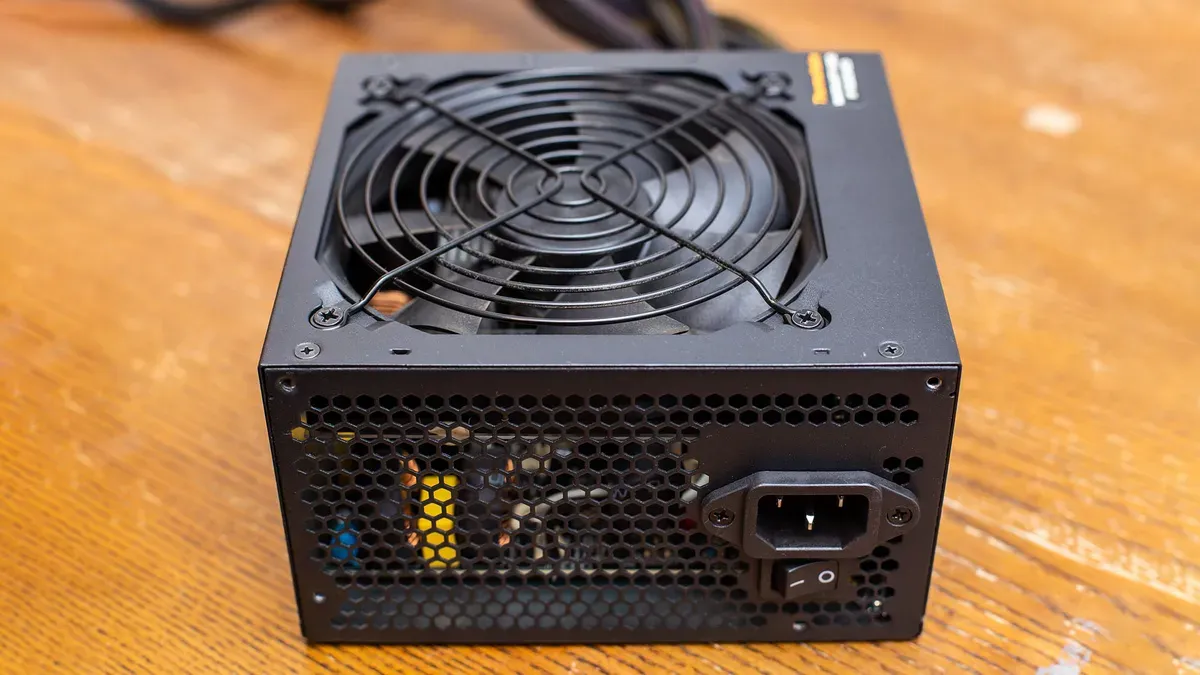
Stepping into the sub-$1,000 bracket means accepting that some of the quieter components inside the tower won’t be top-shelf. Editors and hardware testers have long noted that budget prebuilts often rely on modest power supplies and simplified motherboard layouts — the kind of choices outlined in Tom’s Hardware’s power-supply analyses. They get the job done today, but leave less breathing room for major upgrades down the line.
Chassis design is another area where corners get trimmed. Many prebuilts at this price use compact cases with limited ventilation, which can affect temperatures when you push newer titles. Airflow specialists, including the team behind Tom’s Hardware’s case-airflow testing, show just how much thermal performance hinges on interior space and fan layout — two things budget towers don’t always prioritize.
On the performance front, a $1,000 system will handle 1080p gaming beautifully and even dip into 1440p with some care, but “set-and-forget” ultra settings aren’t guaranteed. Benchmark data from outlets like TechPowerUp’s GPU reviews illustrate the limitations of mid-range graphics cards when ray tracing or high-refresh gameplay enters the picture. The experience is still great — just not uncompromised.
Storage is another quiet trade-off. While many enthusiasts now consider 1TB the practical baseline, budget prebuilts frequently arrive with a 512GB SSD. Editorial SSD roundups, such as PC Gamer’s storage comparisons, show how quickly game libraries grow and how smaller drives tighten your room for future installs. It’s a manageable compromise, but one you’ll feel sooner rather than later.
And then there’s the broader setup cost — a point that often gets overlooked. A tower priced at $999 doesn’t include the monitor, keyboard, or mouse needed to complete the experience. Breakdowns from publications like Digital Trends’ cost-of-ownership guides make it clear that even a “budget” gaming system can creep upward once you factor in a proper display and peripherals.
Final Thoughts
Finding the best prebuilt gaming PCs under $1000 is all about balancing price with performance. While you may not get top-tier specs at this price point, there are still plenty of solid options that can handle popular games at 1080p with smooth frame rates.
We’ve reviewed systems with reliable CPUs, mid-range GPUs like the GTX 1660 Super or RTX 3050, and enough RAM and SSD storage to get you gaming right out of the box.
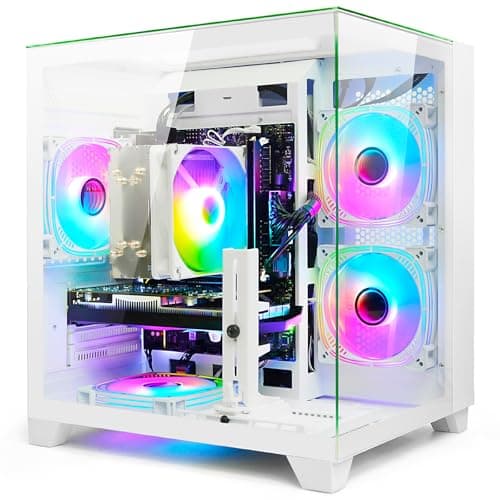
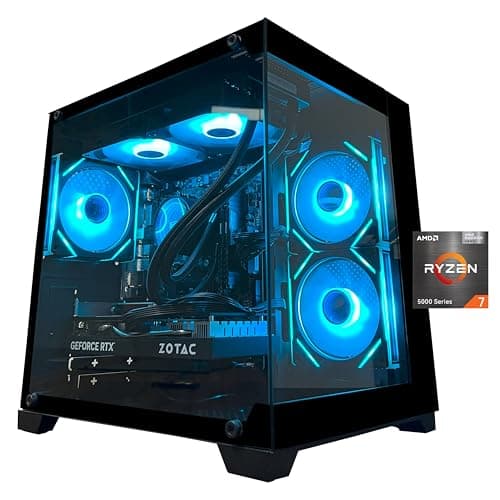
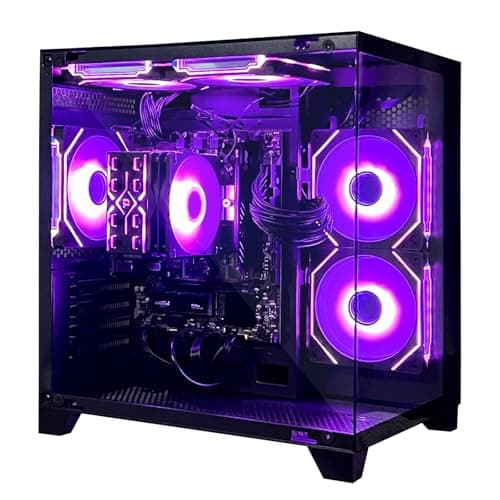
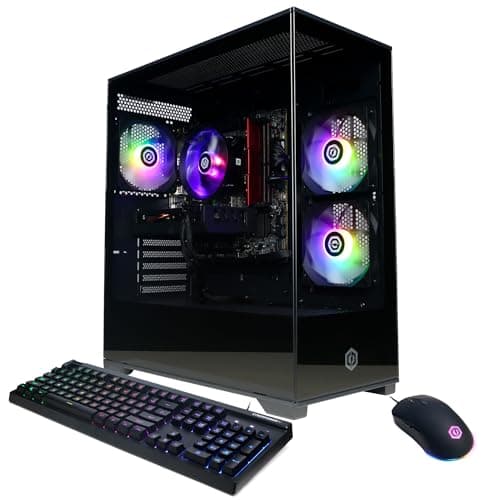
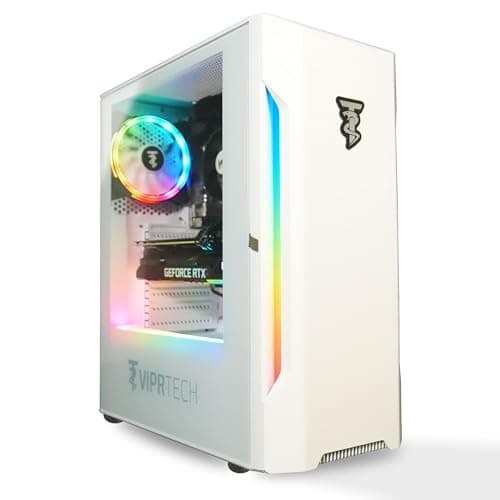
If you’re not sure where to start, consider our top picks — such as the AEXPXO Gaming PC Desktop Computers for overall performance, or the Gaming Desktop PC Intel 13th if you want the smoothest experience. New gamers might love the CyberPowerPC Gamer Xtreme VR Gaming PC, while those aiming for higher resolution can go with the ViprTech Rebel 4.0 Gaming PC.
When shopping on a budget, focus on what matters most: a decent graphics card, at least 16GB of RAM, and an SSD for faster load times. Avoid flashy extras that don’t improve gameplay and look for brands that offer good warranties and support.
FAQs
Yes, many prebuilt gaming PCs in this price range can handle modern AAA games at 1080p resolution with medium to high settings. Utilizing technologies like NVIDIA’s DLSS or AMD’s FSR can further enhance performance, making these systems suitable for a broad range of gaming experiences.
Yes. Most prebuilt gaming PCs are designed with upgradeability in mind. Components such as RAM, storage drives, and graphics cards can typically be replaced or enhanced, allowing your system to evolve with your gaming needs.
While 8GB of RAM may suffice for some less demanding games, it’s generally recommended to have at least 16GB for a smoother gaming experience and better multitasking capabilities.
Many prebuilt gaming PCs in this price bracket do come with Windows 11 pre-installed. However, it’s essential to verify the operating system details in the product specifications before making a purchase.